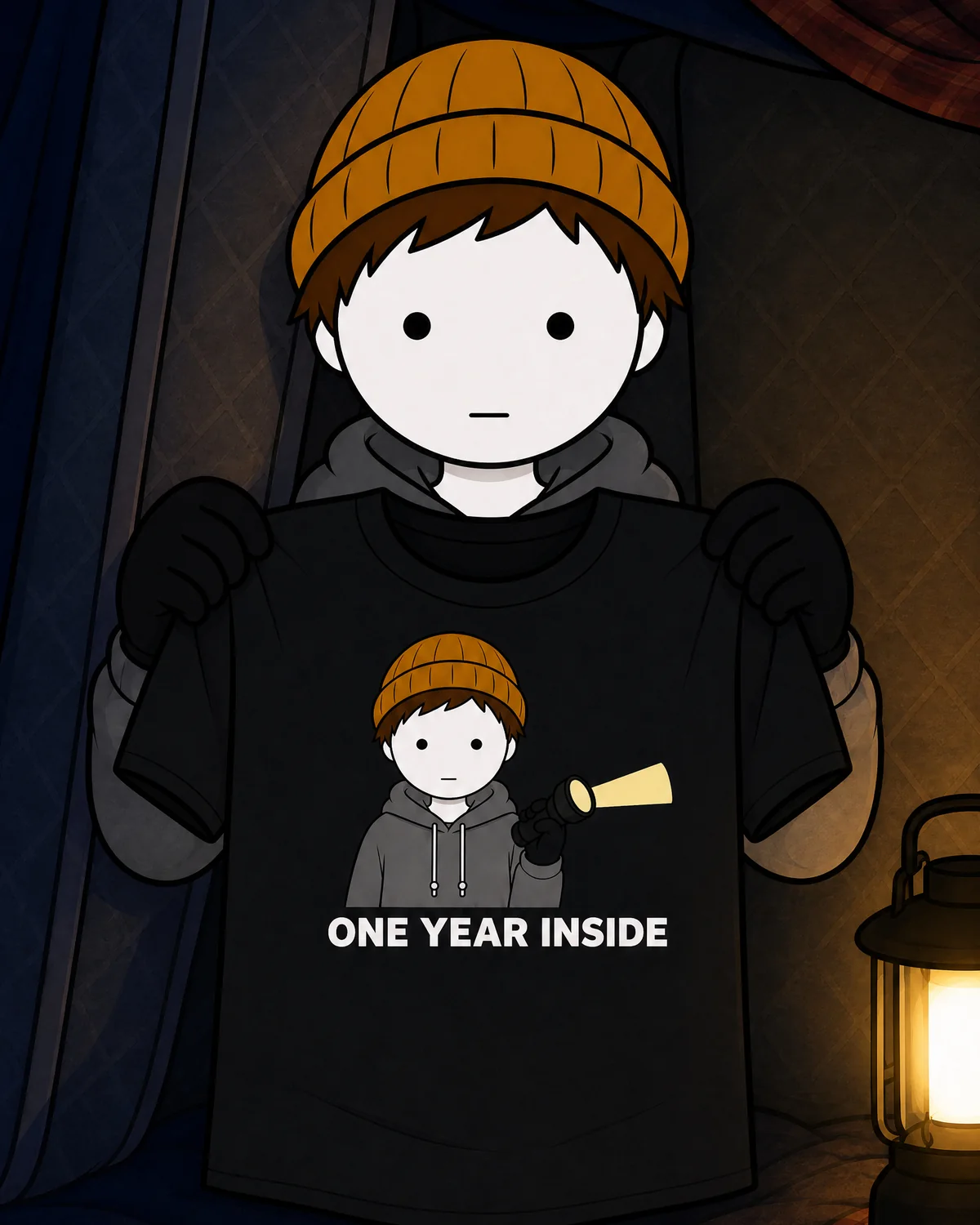
One Year Inside Get the guide

Make animated story videos like One Year Inside

You don't need to know how to draw. You don't need to know how to animate. You need a good story, the right tools, and a process you follow every single time. This is that process, in 16 short lessons.

One-time payment. Watch on Whop right after checkout.

Try a real lesson: character sheets. 35 seconds on the reference sheet and look lines I use across scenes.
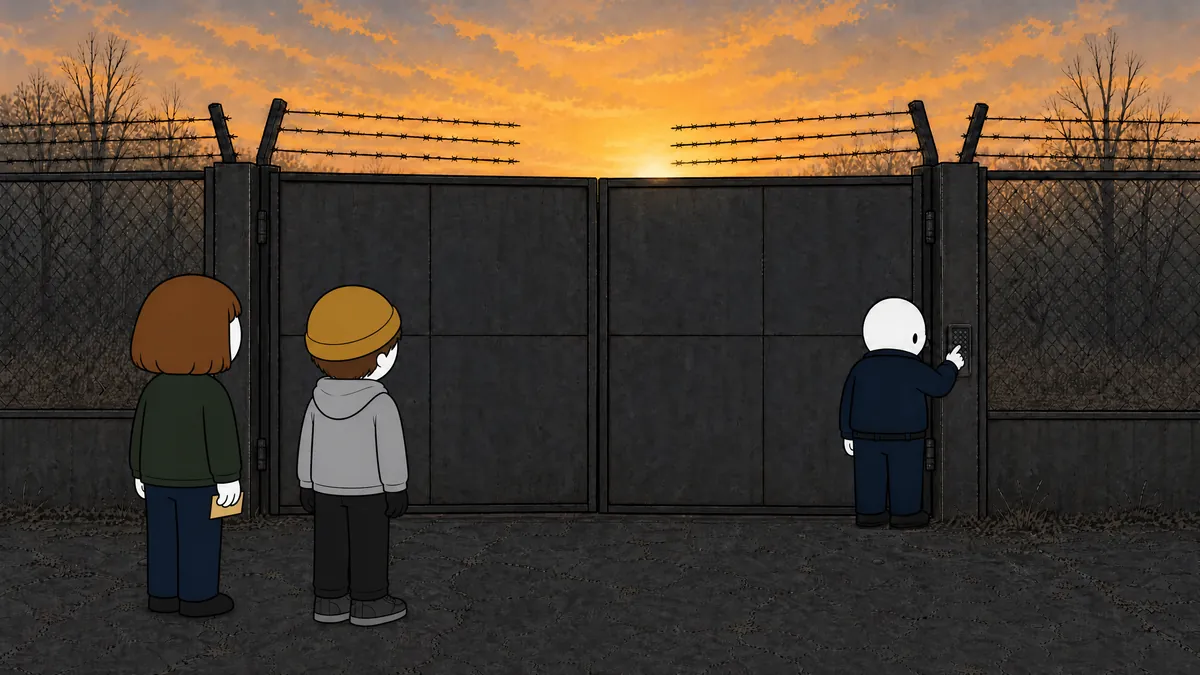
The opening of Season 2, Part 2. 29 seconds.

This is what you'll learn to make

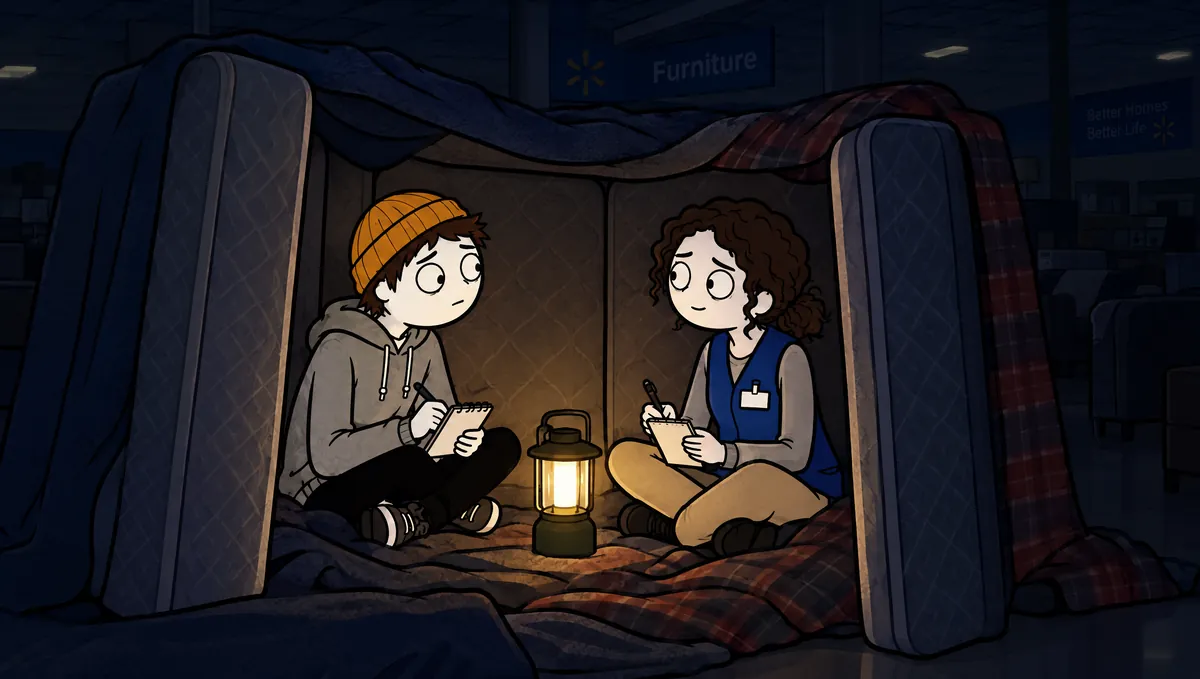
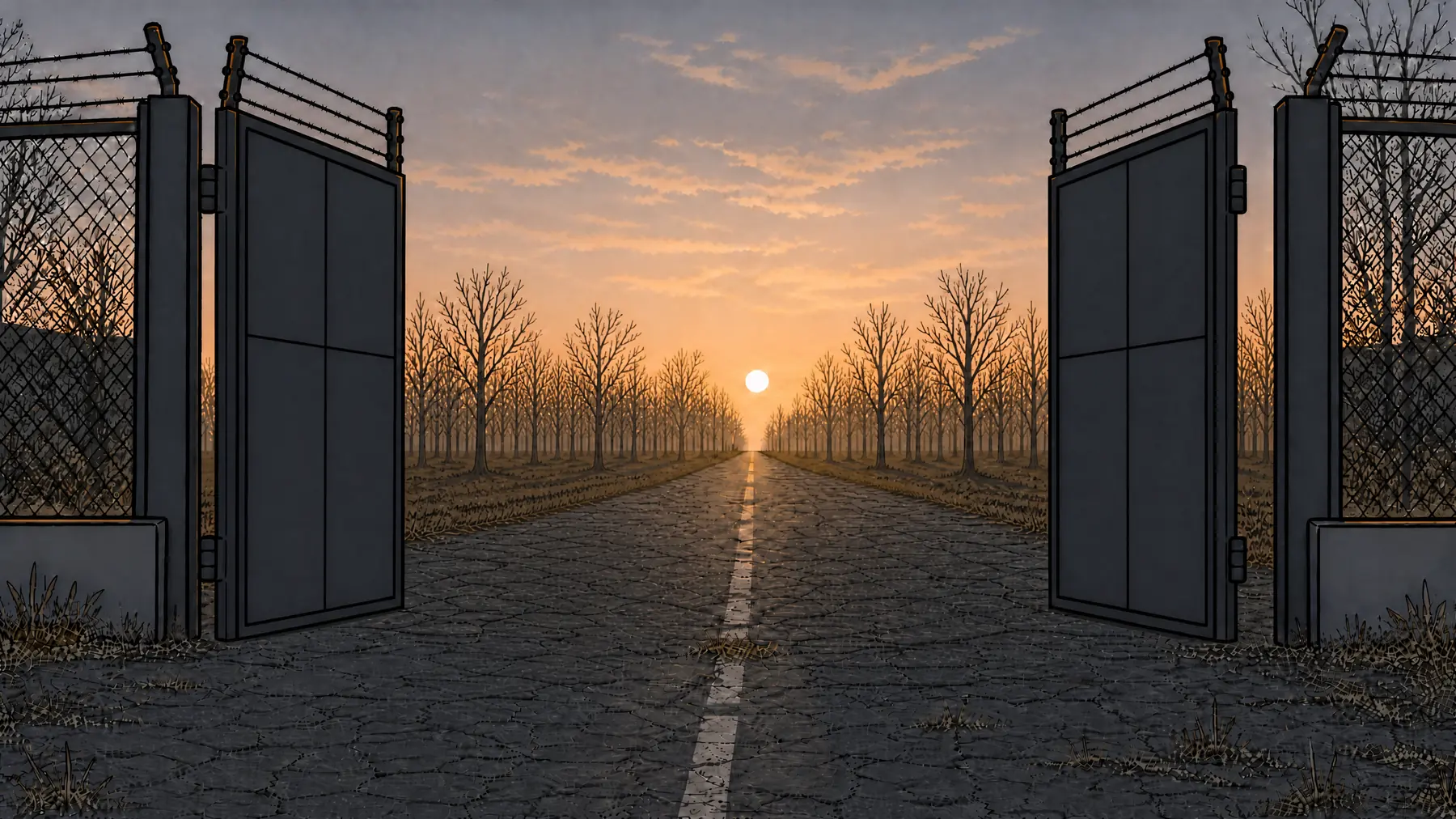
I didn't draw any of this, and I didn't animate it by hand. The script, the voice, the pictures and the talking faces were all made the way the lessons show, then cut together in Premiere.

The lessons use this show as the example, so you see the real files behind scenes like this one.

Student work by abdi fx · 1 minute 38 seconds · Test preview

Student spotlight

See what a student made.

A blizzard. An isolated station. A different survival story. This is a project one of my students shared with me.

“thank you my teacher”— abdi fx, in a message after sharing the project

What this process did in 4 weeks

I posted Part 1 in the middle of October. Every part since then was made the way the lessons show.

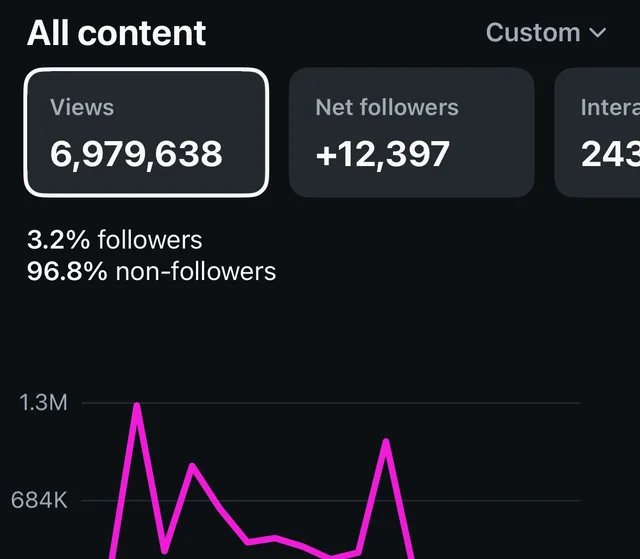
  • 6.9Mviews on Instagram in 30 days. One clip passed 2.9M.
  • 3.4M+views on the Walmart Full Story on YouTube
  • 36KYouTube subscribers, from my first upload
Instagram Insights screenshot: 6,979,638 views, plus 12,397 net followers, 96.8 percent non-followers.
My Instagram Insights, Oct 14 to Nov 1.

What you'll learn

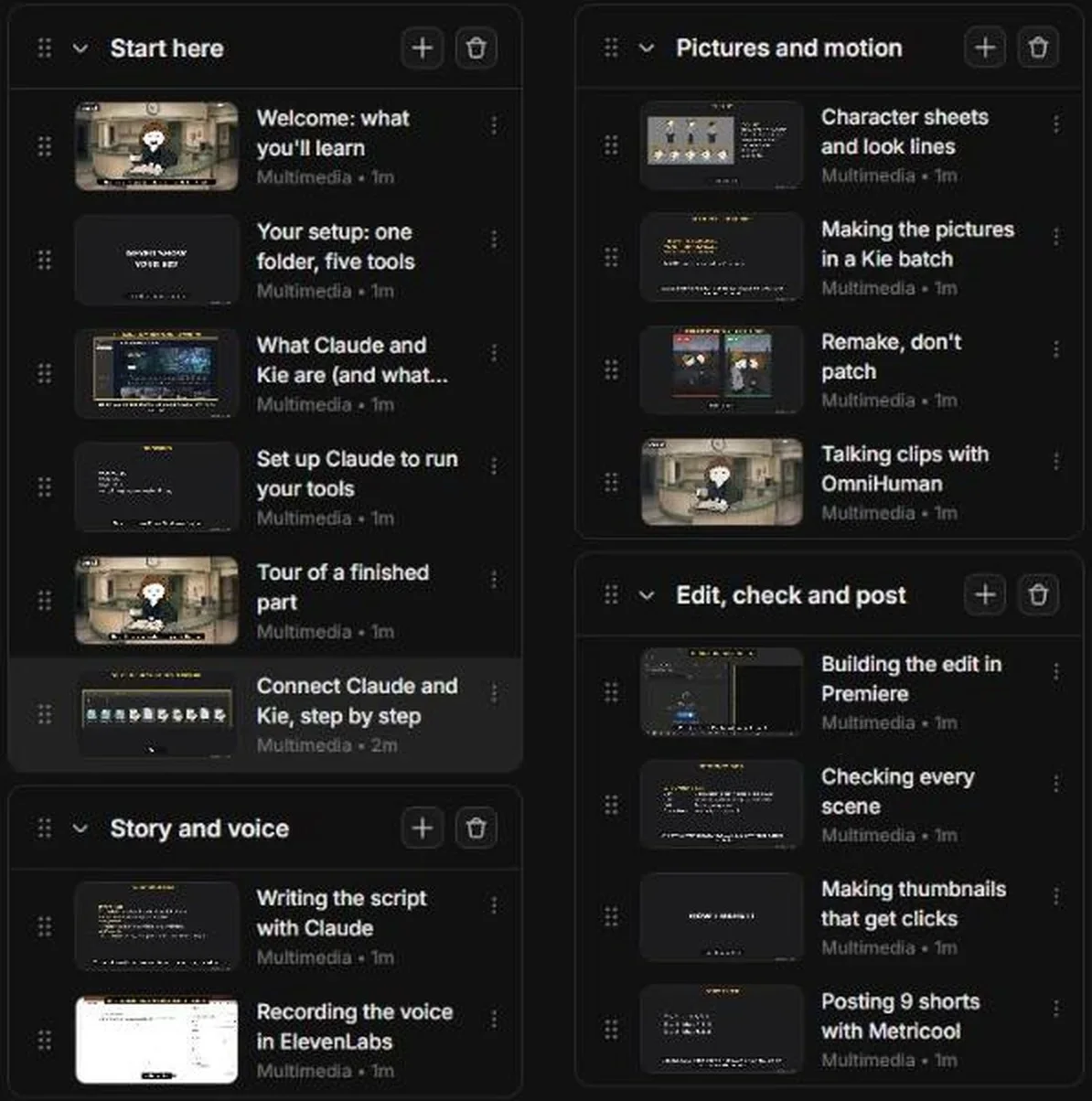
16 lessons in four chapters, in the order I make a part.

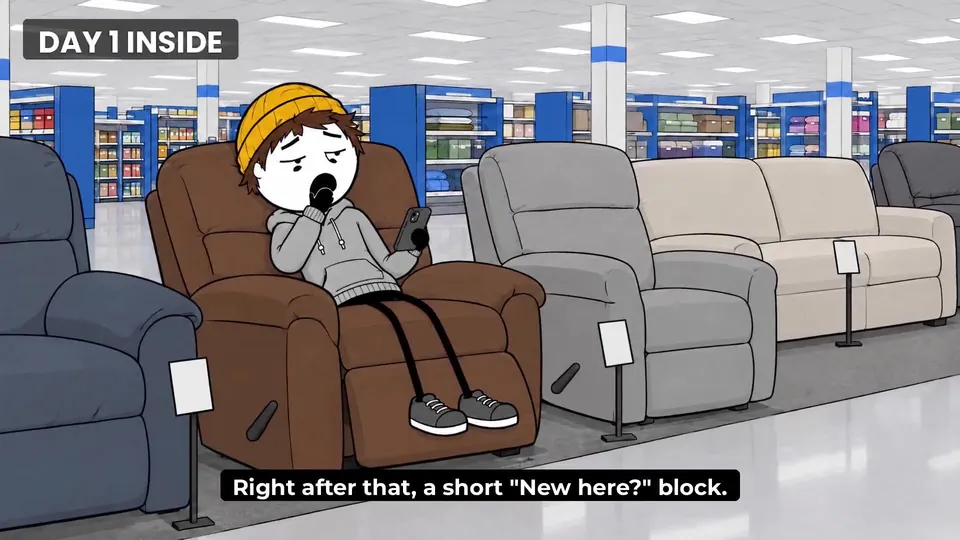
Lesson frame: Day 1 inside, the boy in a recliner, from the tour of a finished part.

Start here

The five tools, the one folder, how a finished part is built, and a step by step setup with real screens.

  1. 01Welcome
  2. 02Your setup
  3. 03What Claude and Kie are
  4. 04Set up Claude
  5. 05Tour of a real episode
  6. 06Connect Claude and Kie, step by stepNew
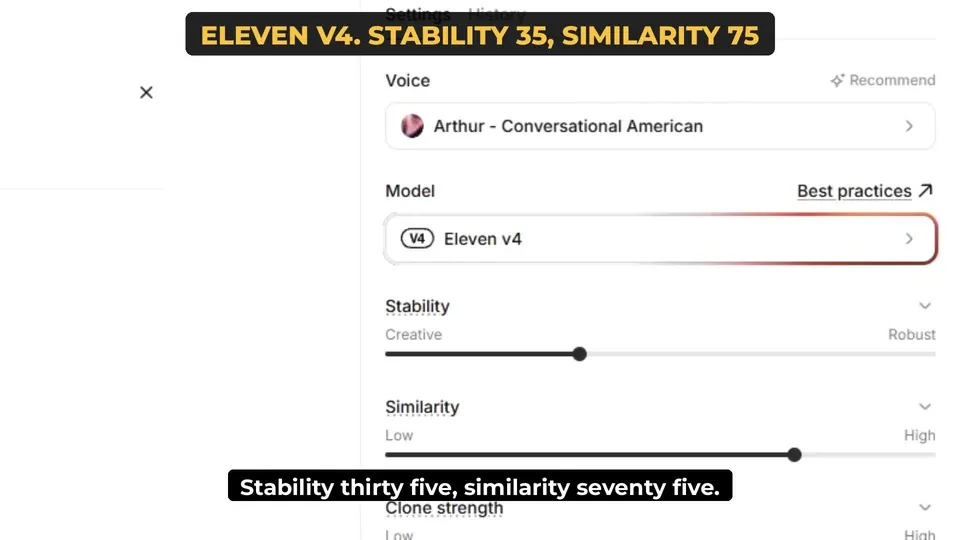
Lesson frame: ElevenLabs v4 settings, stability 35, similarity 75.

Story and voice

The script prompt I paste in, the cold read that finds where viewers would stop watching, and my exact voice settings.

  1. 07Writing the script with Claude
  2. 08Recording the voice in ElevenLabs
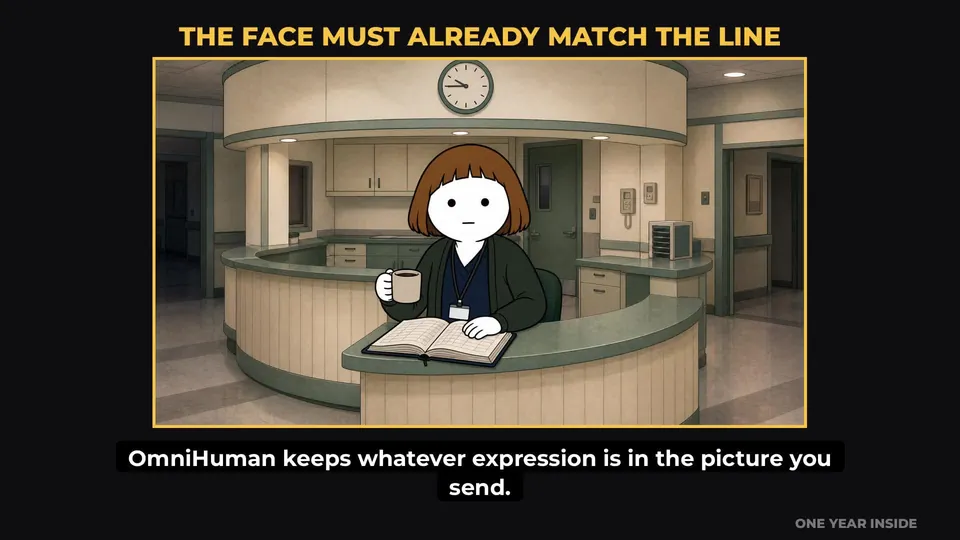
Lesson frame: the face must already match the line, Carol at the nurses' station.

Pictures and motion

Character sheets that keep every face the same, making the pictures in a batch, when to redo a bad one, and making a character talk.

  1. 09Character sheets
  2. 10Making the pictures on Kie
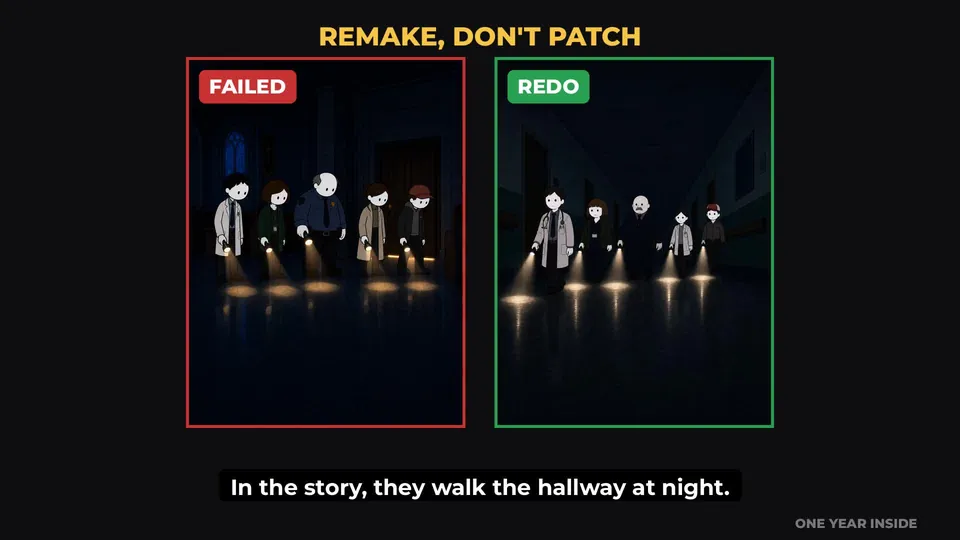
  3. 11Bad picture vs redo
  4. 12Making a character talk
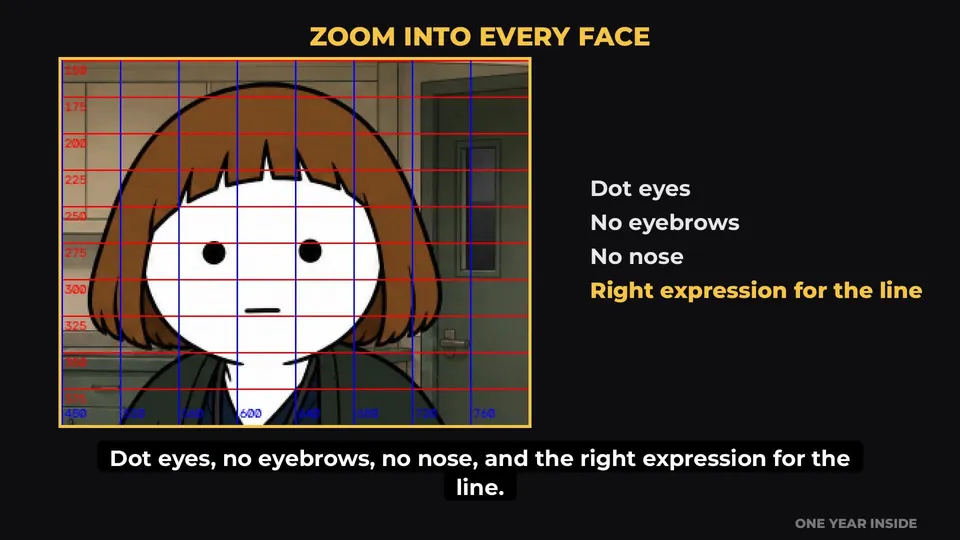
Lesson frame: zoom into every face to check it.

Edit, check and post

A full rough cut in Premiere, how I catch mistakes before posting, the thumbnail rules, and scheduling the shorts.

  1. 13Putting it together in Premiere
  2. 14Checking a scene for mistakes
  3. 15Making thumbnails that get clicks
  4. 16Scheduling posts with Metricool

Five tools and one folder

That's the whole setup. The tools are paid separately from the guide, so here's exactly what I use before you buy.

To start, you need two things: a Claude Pro plan with the desktop app, and a Kie account with $5 of credits.

  • ClaudeThe center of everything. I write with it, and it runs the other tools for me.
  • KieMakes the pictures, and the talking and face motion.
  • ElevenLabsDoes the voices.
  • PremiereWhere it all comes together.
  • MetricoolSchedules the shorts, so they keep posting while I'm making the next part.
The course inside Whop: four chapters with every lesson listed.
The course inside Whop.

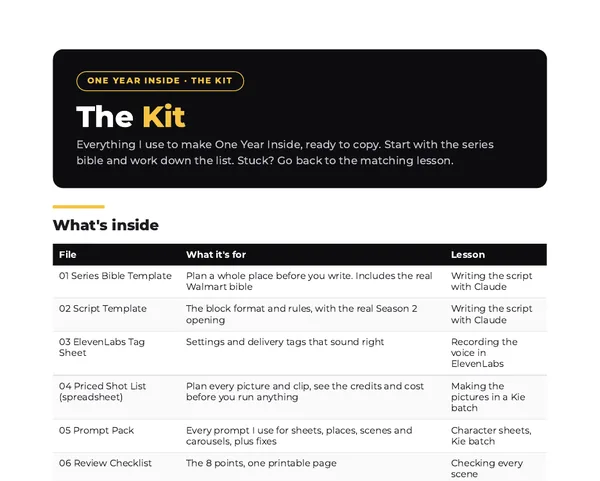
The Kit

Everything I use to make One Year Inside, ready to copy. Start with the series bible and work down the list. It comes with Guide + Kit and the Founder's Pass.

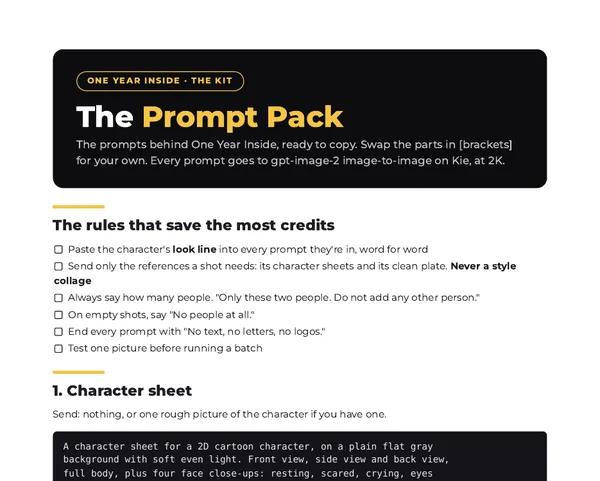
  • Prompt packEvery prompt I use for sheets, places, scenes and carousels, plus fixes.
  • Priced shot listA spreadsheet. Plan every picture and clip, and see the credits and cost before you run anything.
  • Scripts folderThe tools Claude runs for me: Kie uploads, picture batches, talking clips, word timings and the Premiere timeline.
  • Series bible templatePlan a whole place before you write. Includes the real Walmart bible.
See all 10 files
  • Script templateThe block format and rules, with the real Season 2 opening.
  • ElevenLabs tag sheetSettings and delivery tags that sound right.
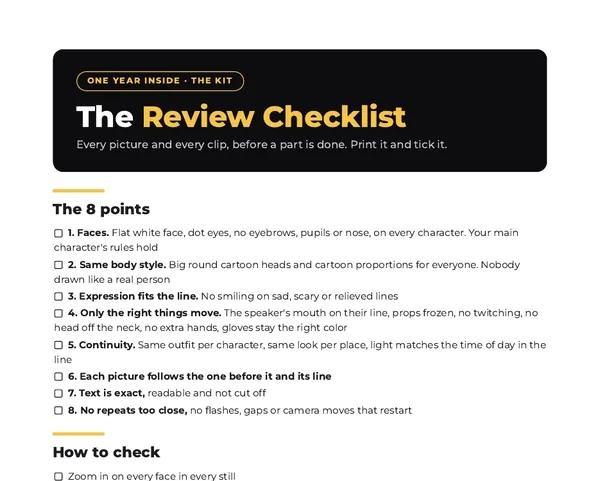
  • Review checklistThe 8 points, on one printable page.
  • Posting scheduleTurn one part into a week of posts.
  • Carousel and thumbnail templatesLayouts, specs and the anatomy of what works.
  • Carousel builderBuilds finished carousel slides from your pictures and text.
First page of the Kit's Start Here guide.
First page of the Prompt Pack.
First page of the Review Checklist.

Who made this

I make One Year Inside by myself. No team and no studio. I posted Part 1 in the middle of October, and every part since then has been made with the process in these lessons.

The guide isn't theory. It's the folder, the prompts, the settings and the checks I use on every part, shown on the real episodes.

Get the guide

One-time payment. Every option includes all 16 lessons.

Guide

Learn how I make One Year Inside.

$19one time

  • All 16 lessons
  • My full process, from the setup to posting
  • Watch on your phone or computer
Get the Guide
Most picked

Guide + Kit

The course, plus my real templates and prompts.

$39one time

  • Everything in the Guide
  • Series bible and script templates
  • Priced shot list and prompt pack
  • Review checklist and posting schedule
  • Carousel and thumbnail templates, plus the scripts
Get Guide + Kit
Only 20 passes

Founder's Pass

Get your name into the show.

$79one time

  • Everything in Guide + Kit
  • Your name written into a future episode: on a name tag, in a logbook, on a wall, or on a survivors list
  • I'll message you to pick your spot. First come, first served.
Get the Founder's Pass

Checkout and lessons are on Whop. Sales tax is added at checkout where it applies.

Try the process free. Get the 35-second character-sheet lesson and a practical checklist for your own story.

Get the free lesson + checklist

Questions

Do I need to know how to draw or animate?

No. Kie makes the pictures and the face motion. The lessons show how I get the same characters every time and what I do when a picture comes out wrong.

What do the tools cost?

Yes, they're paid separately. When I recorded the lessons, Claude Pro was $20 a month in the US. Kie has no subscription: the smallest pack was $5 for 1,000 credits, a picture is 10 credits (about 5 cents), and a talking clip is 14 credits a second. ElevenLabs has a free plan to start, and you can edit in free CapCut if you don't have Premiere. The priced shot list in the Kit shows what every picture and clip costs before you run anything.

How long does a part take?

About a day for me, start to finish, using the process in these lessons.

Will this work for a different kind of story?

The lessons use One Year Inside as the example, but the process is the same for any narrated animated story: script, voice, pictures, motion, edit, post.

Where do I watch the lessons?

On Whop. Right after checkout you can watch every lesson on your phone or computer.

Is it a subscription?

No. Every option is a one-time payment.

How does the Founder's Pass work?

After you buy, I'll message you to pick where your name goes in a future episode: a name tag, a logbook, a wall, or a survivors list. First come, first served. There are only 20.

Start your own series

All 16 lessons, plus my real templates, prompts and scripts. One payment of $39.

The guide From $19, one time

Get the guide

Your cart